How to play
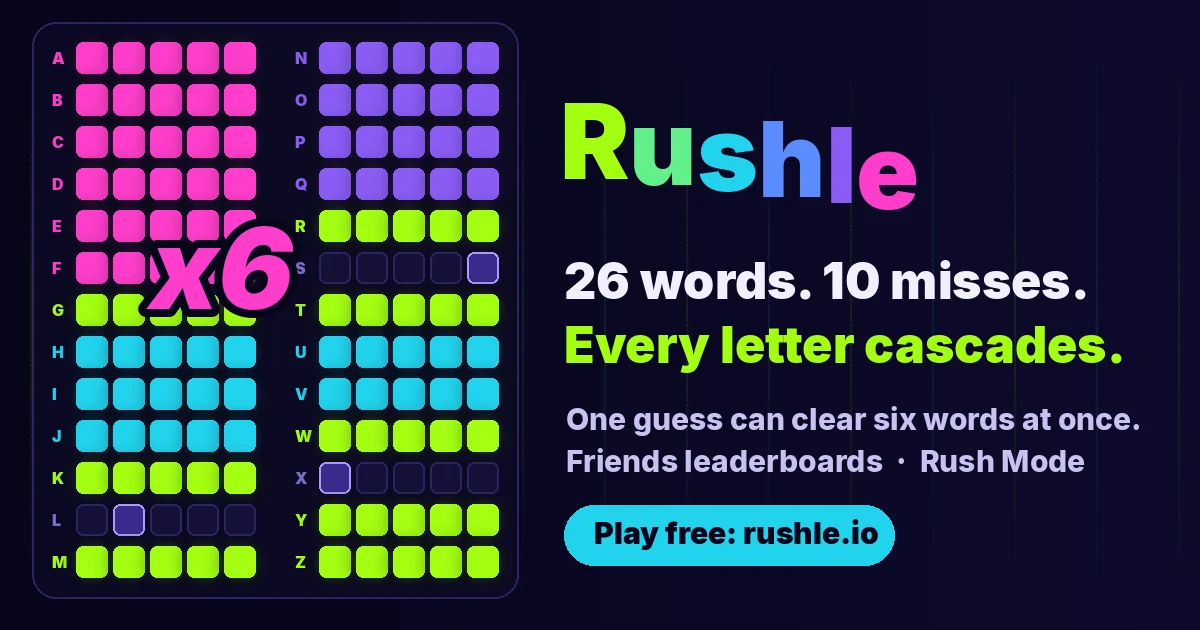
Start the daily puzzle from the introductory screen. Read the board as twenty-six separate five-letter words, organised by initial letter. The cleared counter shows progress across the entire set rather than guesses used on a single word.
Type a five-letter word and press Enter, or select GO. In the default whole-board view, letters appear where the guess matches the exact same position in a hidden word. A letter elsewhere does not receive an ordinary yellow clue there.
Complete every letter of a row to clear that word. Its letters then cascade into other rows. A guess that clears nothing spends one of the ten misses, even when it uncovers some letters, so revealed information and a successful clear are different outcomes.
Select a row when you want to aim at that word and use the targeted clues. Keep track of the remaining misses as you switch strategies. The separate Rush mode adds a time constraint; choose the mode before treating a result as comparable.
What makes this game different
Rushle gives each guess a wider consequence than a single-word puzzle. A word that seems unhelpful for one row may match useful positions elsewhere. At the same time, an informative guess can still cost a miss. Balance broad discovery against chances to finish an almost complete row and start a cascade.
A better way into your next round
Look across the board after every guess instead of staring only at the row you expected to help. New letters may make a different word much easier. When you see a strong completion, consider it before spending another miss on a broad exploratory word.
Keep exact positions in mind when choosing an opening word. Common letters matter only where they match, so mentally placing them in likely patterns can be more useful than counting distinct letters alone. If progress stalls, aim at a promising row and reason from its particular clues rather than guessing at random.
Where to play
The daily board is free to start in a browser. The guess field accepts a physical keyboard, with Enter submitting the word; GO provides the visible alternative on mobile. A keyboard toggle exposes on-screen keys. Use the original-game link if you prefer more space or want to explore the publisher’s other modes.