How to play
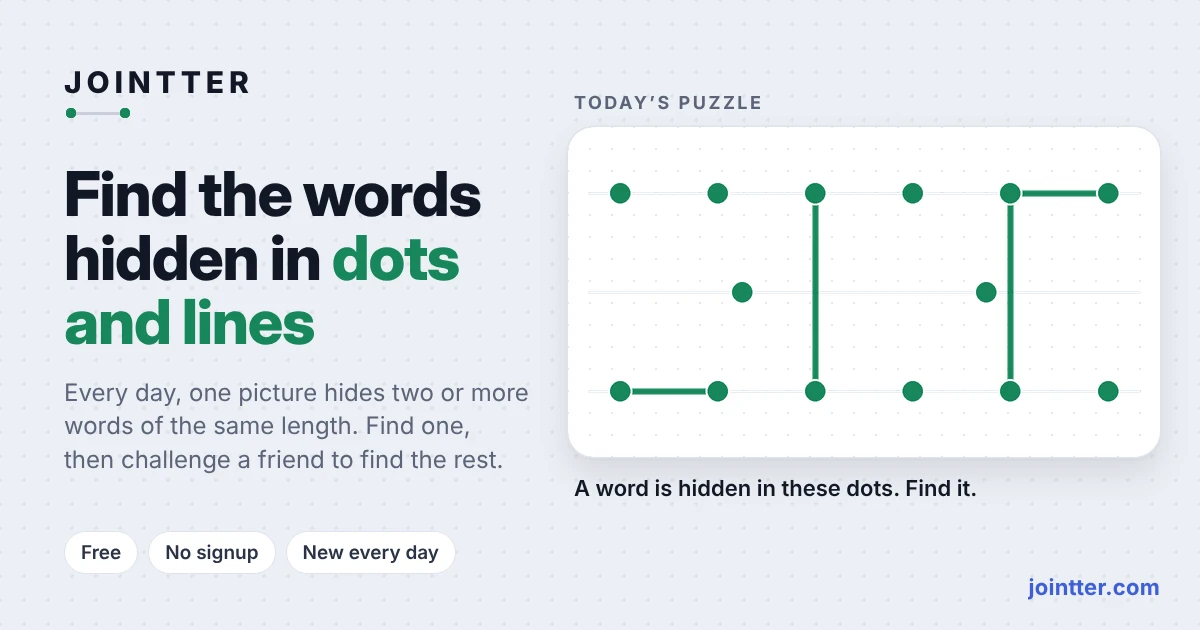
Read the day's word length and inspect the green lines already shown. Difficulty increases through the week, so do not assume every puzzle uses the short words of a Monday board. The dots' starting positions are evenly spaced and do not identify the letters by themselves.
Build a guess with the letter tiles or type on a physical keyboard. Each tile describes its pattern of dots. Use the top, middle, bottom and side filters when you want to narrow the available shapes, then choose Show all to remove the filter.
Press Enter or Submit to check the word. Lines belonging to the hidden word turn green and remain visible; other lines turn red. Extra red dots show where a guess needs more dots than the board provides. A submitted attempt therefore supplies visual information for the next guess.
Use the five attempts for each word to reveal enough structure to solve it. Undo or Backspace edits an unsubmitted guess. Dragging a dot can tidy the drawing without changing the word; selecting an area of the board can help place a letter deliberately.
What makes this game different
Jointter combines word knowledge with a drawing constraint. You are comparing a letter's dot-and-line shape with a shared picture, rather than relying only on coloured letter positions. More than one word may fit the board, so recognising one pattern does not necessarily exhaust the day's challenge.
A better way into your next round
Look for an existing green line that restricts a letter shape, then compare it with the visible tiles. Filters are most useful when you know a specific dot count to test. Avoid treating a tidy-looking arrangement as proof: rearranging the dots changes presentation, not the answer.
After a guess, distinguish the lines that stayed green from the red additions. Use that feedback to change a particular part of your hypothesis instead of replacing every letter at once. Take care with word length and repeated shapes, especially as the week's puzzles become longer.
Where to play
The official game is playable here without a Dleindex account. Type letters and use Enter to submit, Backspace to undo, or the visible letter tiles with mouse and touch. How to play explains the drawing controls; Escape closes its window. The original-game link provides a separate tab with more room.